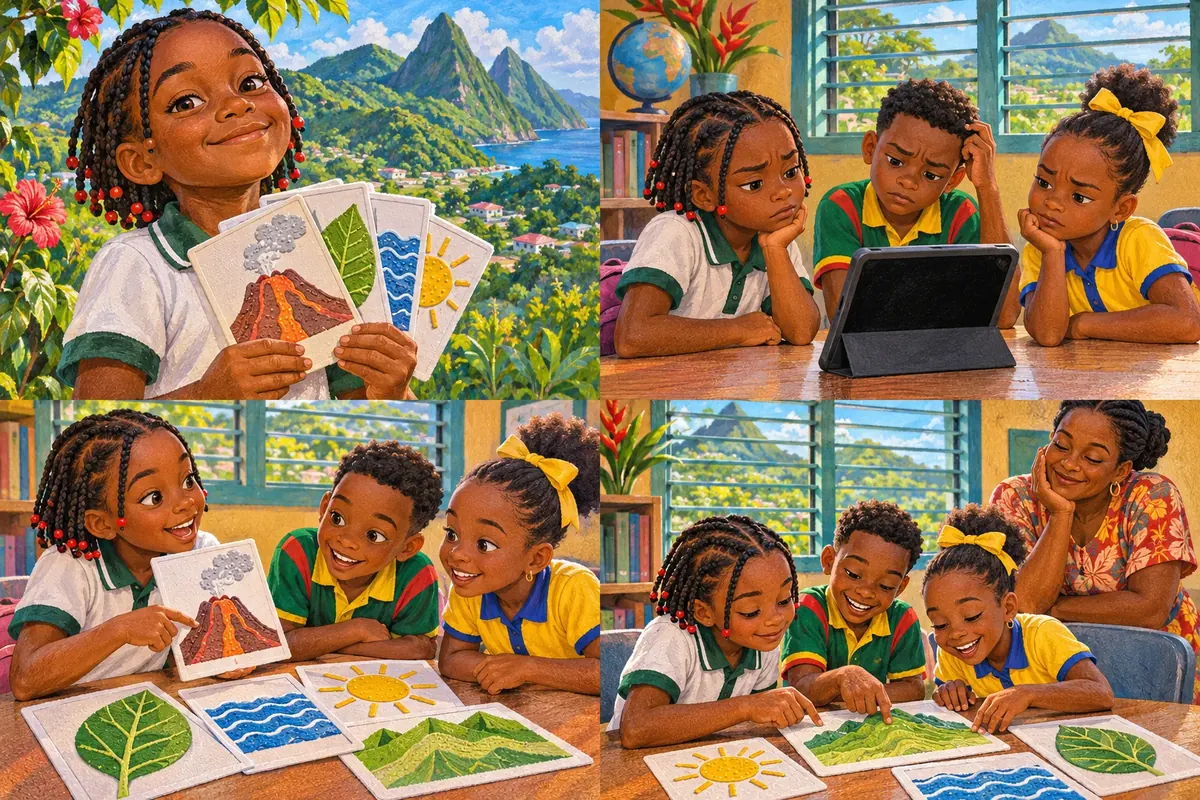
Saint Lucia · Dominica · Saint Vincent and the Grenadines
The Lesson That Stayed
When the internet drops, Nia brings their science lesson back with paper and clear pictures.
Page 1 of 7
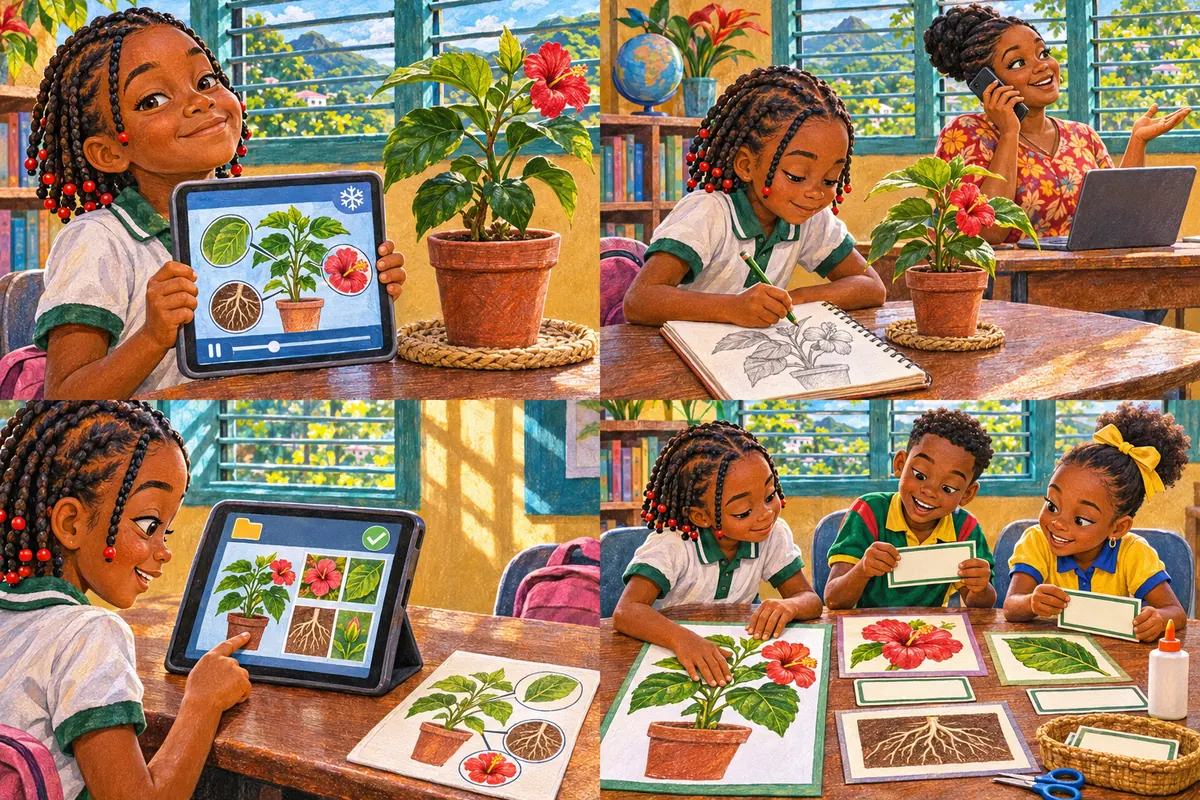
The screen froze in Nia’s class in Saint Lucia just as a plant lesson began. A picture from an AI tool was supposed to help them follow water through the roots. The internet had dropped.
Page 2 of 7
Nia looked from the frozen screen to the plant on her desk. The plant was still there. She could see its flat leaves, though the roots were hidden by the soil.
Page 3 of 7
Nia drew what she could see. Her teacher phoned partner classes to ask how they kept lessons ready when a connection failed. Nia tried a thick line for the stem on her paper.
Page 4 of 7
Keon in Dominica showed a page with large letters and thick lines. Daniel in Saint Vincent and the Grenadines had a copy saved on a tablet. Both could still read their lesson.
Pause and solve
Which classmate brought a way to read the lesson with no working connection: the one with a saved copy or the one waiting for a new page to load?
Show a hint
Look for a copy that was on the tablet before the connection stopped.
Reveal the answer
The one with a saved copy. Daniel could open the copy on his tablet.
Page 5 of 7
Nia turned off her tablet’s connection and tried to open her saved page. It worked. She copied it to a place her class could find again and told her teacher which file she had saved.
Page 6 of 7
Nia and her friends made large-print copies of the plant drawing. They put the same names beside the roots and stem on paper and on the tablet. One friend read the names out loud.
Page 7 of 7
The big screen stayed dark for the rest of class. Every group could still show where the water went. Nia taped a spare plant picture inside the cupboard for the next time the internet stopped working.
The lesson
Plan a way to learn even when the internet is down or a screen is hard to read.
Talk about it
If your favourite lesson needed a screen, what could you save or print before class?
For parents and teachers
Open a saved lesson without Wi-Fi, then compare it with a paper copy. Ask a learner which version works for them and what they would change. A tool can help present a lesson, but nobody should miss the lesson because they cannot open the tool.